Mobile application for billing and subscriber self-service

BEST App — Interactive Demo

Tap on screen elements or select a section on the right

Home
Transactions
Payments
Tariff
More
AI Assistant
Shop
Product
Profile
Tech Info
App sections
Tip: buttons on screen are also clickable — "Top up account", bottom nav, transaction rows, shop items.
💳 Online payments
🤖 AI Assistant
📊 Tariff management
🔒 Parental Control
🛒 Equipment shop
⚡ Speed Test
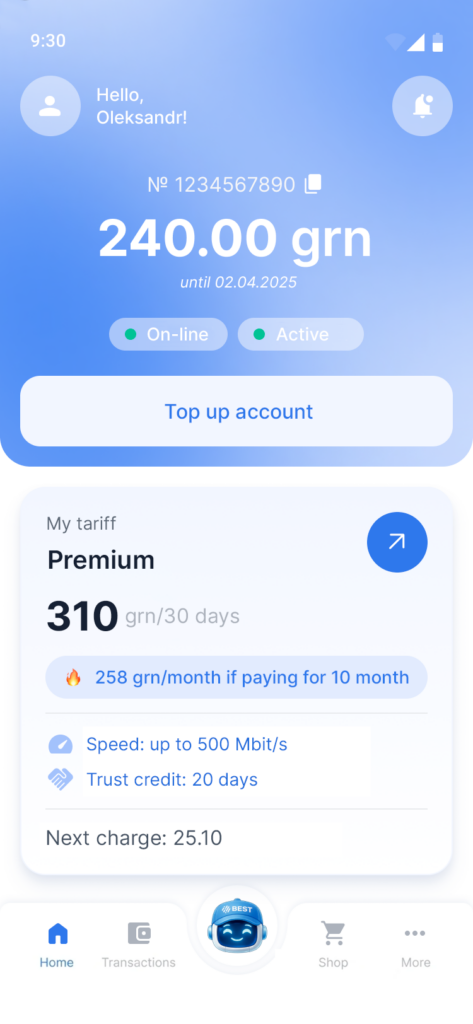
The home screen is the central point of user interaction with the billing system and provides quick access to key financial and service information.

After the user enters the negative balance zone, the product changes the interaction scenario: instead of the usual account control, the system switches to the service maintenance and restoration scenario.

The interface focuses not on tariff details, but on the critical status of the service and available mechanisms for returning the client to an active payment cycle. At this point, the billing system performs two functions at once: it minimizes the risk of losing the subscriber due to blocking and directs him to a targeted action – repayment of debt or temporary restoration of access through a credit mechanism.

Such a screen works not as an information screen, but as a point of management of the outflow risk and financial discipline of the client base.

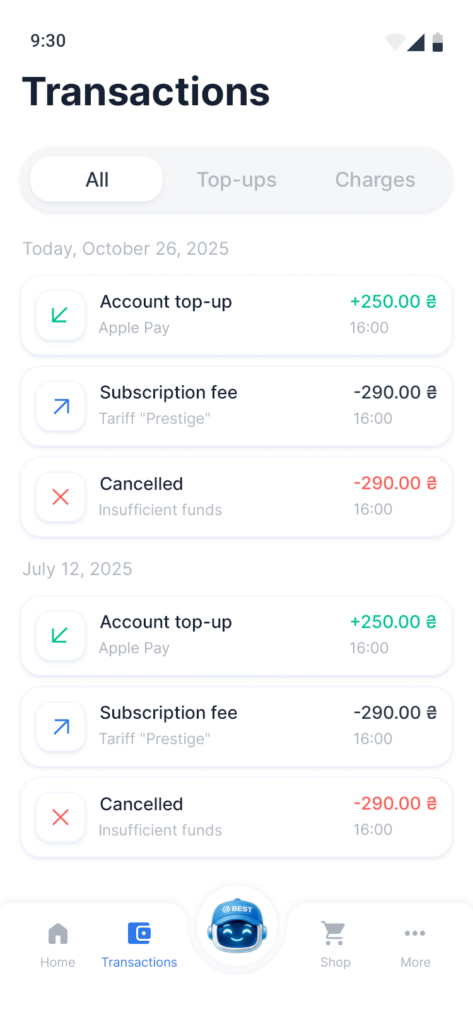
The transactions section is designed to provide complete control over the user’s financial history within the billing system. It shows all account movements – replenishment, debiting, canceled transactions – and allows you to quickly filter them by type.

For the user, this is a transparency tool: he can independently check when funds were credited, what the debit was for and why a certain transaction was not completed. For the product, this module performs several business functions at once: reduces the load on support in payment issues, increases trust in the service through a clear financial history and creates a sense of control over his own account in the client.

The empty state of the section is especially important: when there are no transactions yet, the system correctly communicates this to the user, instead of creating the impression of an error or technical failure. This approach improves the first experience of interacting with the product and makes the financial module understandable even for a new user.

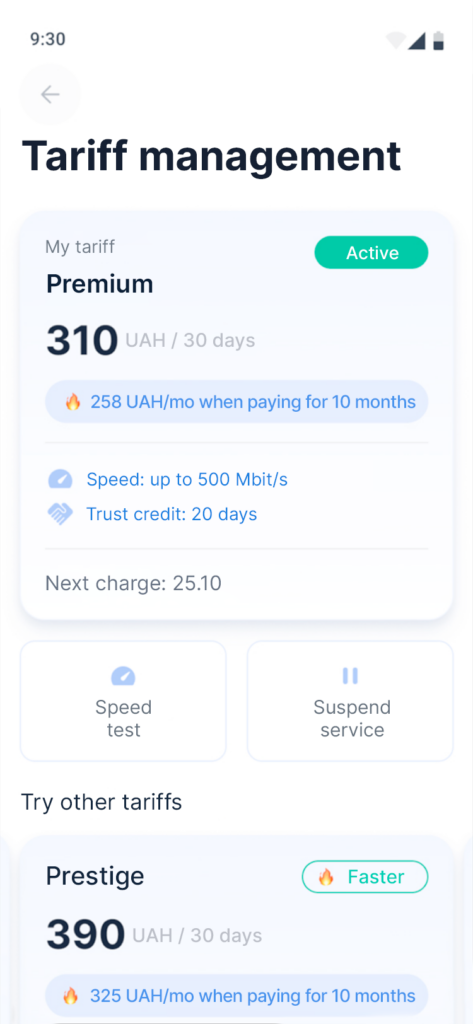
The tariff management module is designed for self-management of service conditions without contacting the operator.

It gives the user access to key information about the current tariff plan, its cost, service parameters and the date of the next charge, and also allows you to perform actions related to service: check the actual speed, temporarily suspend the service and consider alternative tariff offers.

For the product, this is an important self-service tool that reduces the support load, increases the transparency of the tariff model and simplifies changing the package depending on the client’s needs.

A separate business value is created by the block with other tariffs: it works as a built-in upsell mechanism, helping to transfer users to more expensive or more relevant plans without leaving the main scenario of using the application.